The BBC first started its trials of its nascent iPlayer service quite a while ago; unfortunately I wasn’t lucky enough to register my interest for the first trial, and so didn’t get onto the list of testers, so I have no knowledge of the first incarnation (and hopefully you’ll forgive me if I don’t make any comparisons between the first and second versions). However, I was quick enough off the mark this time round to register my interest and get accepted onto the trial, so here we are!
The iPlayer system is currently operating as a closed, ’walled garden’ system, with an extra layer of authentication on top of the regular BBC username system, and all beta testers allocated their own login for this walled garden area. The forums are similarly walled off at the moment during the trial, but are a part of the wider BBC messageboards network (my existing BBC login works fine).
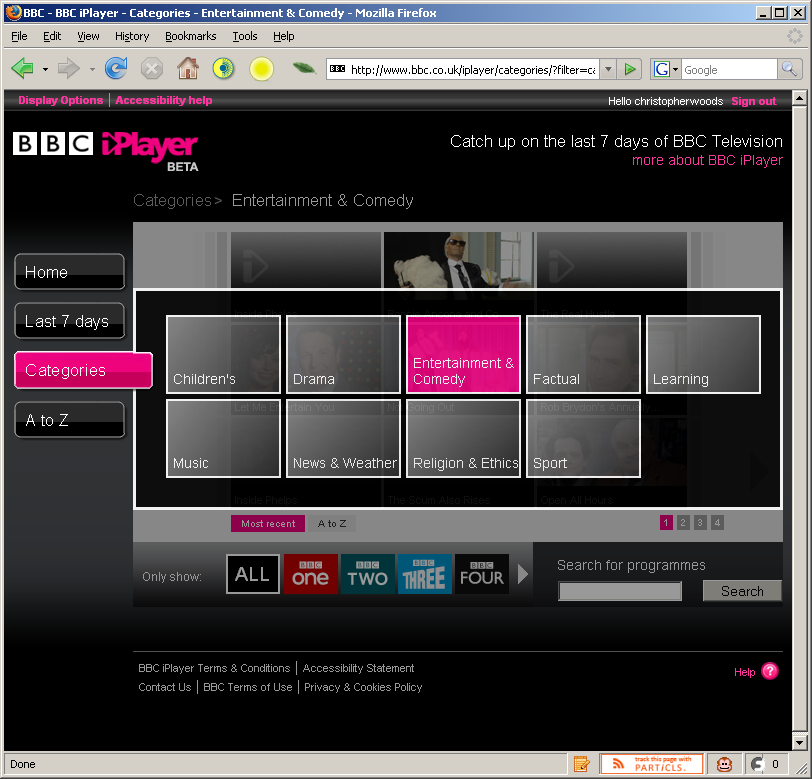
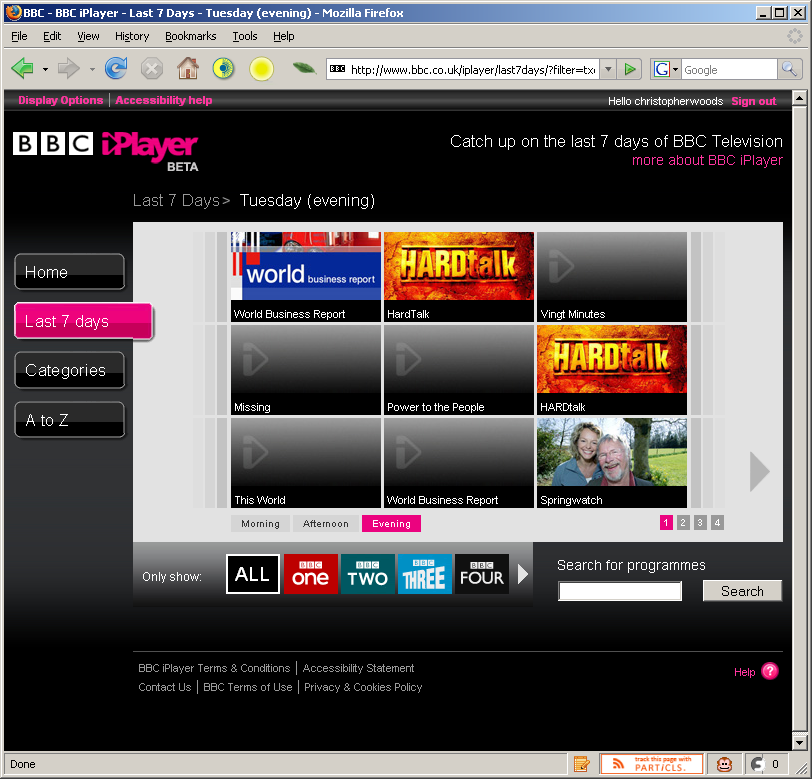
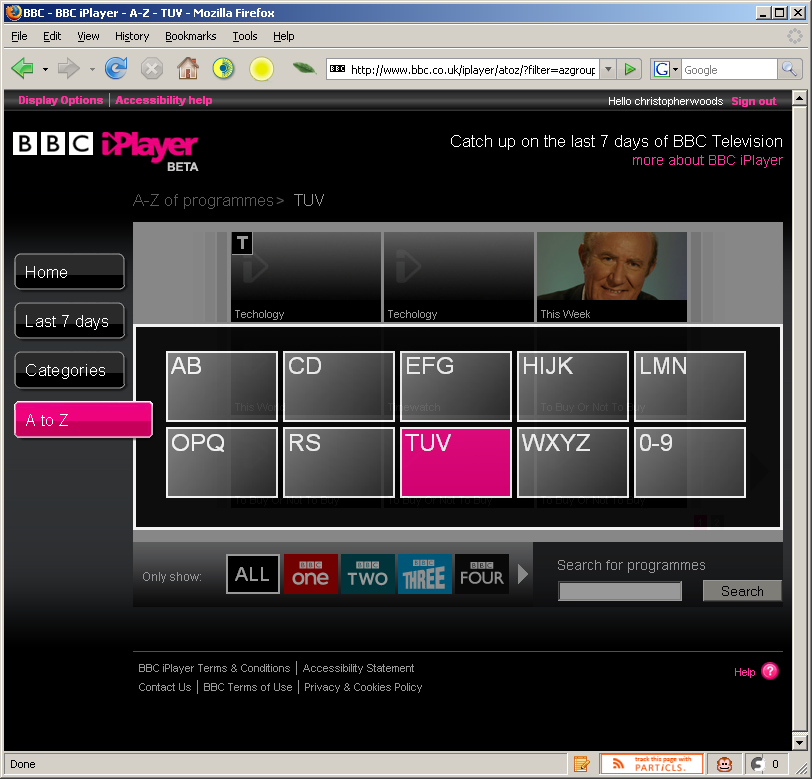
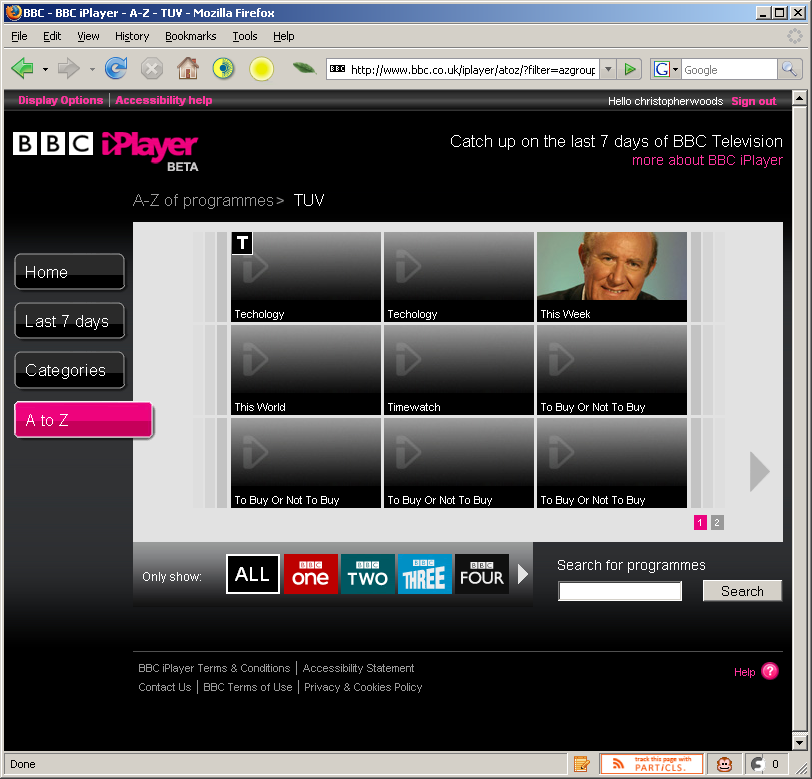
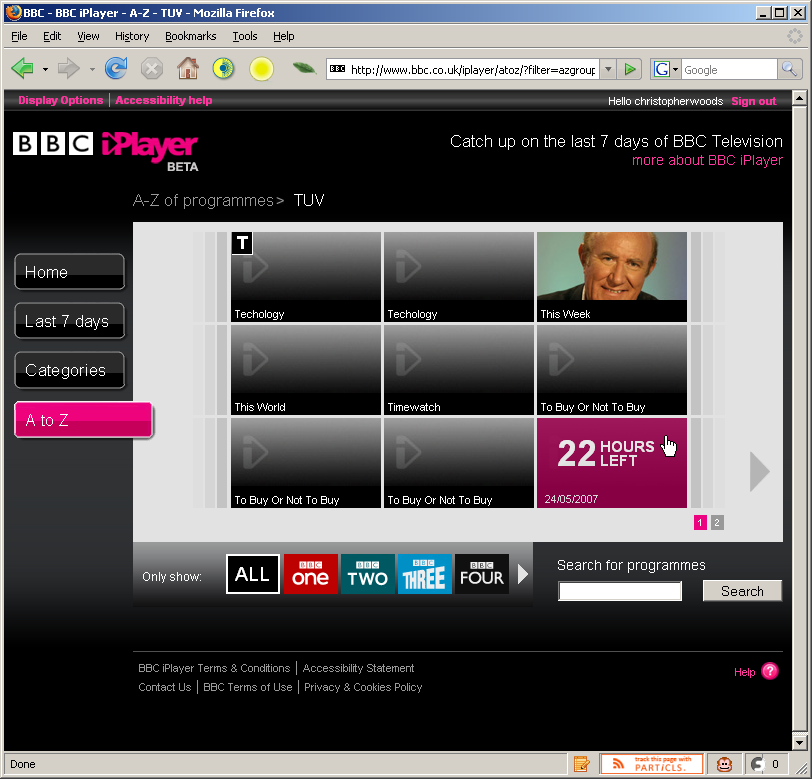
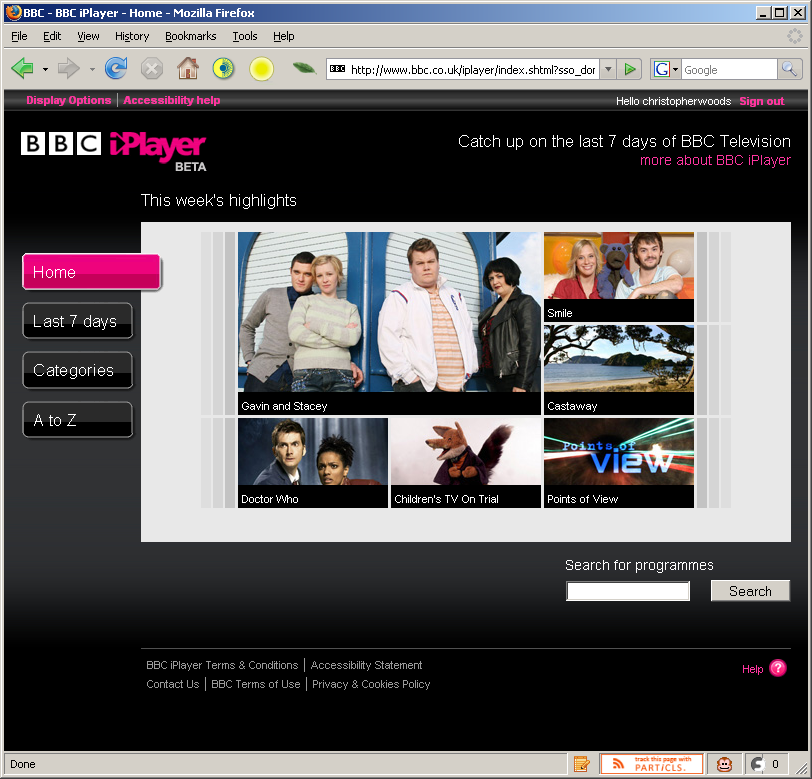
The system works in two parts - a desktop application and web site. The first, a customised Kontiki client - named the BBC iPlayer Library - stores and manages your downloaded programmes, as well as arranging the DRM license authentication for the content you download. The second part, the BBC iPlayer website itself (bbc.co.uk/iplayer) is where you choose what programming you want to download. The web site has a series of menus - organised by programme category, by day (7 days in total from today back to last week) and also alphabetically. Due to compatibility issues with the Kontiki Javascript libraries, you have to use Internet Explorer to actually choose and download content to your iPlayer library. I used Firefox for some of the screenshots as you don't need to use IE just to view the site (so apologies if you get confused by that).
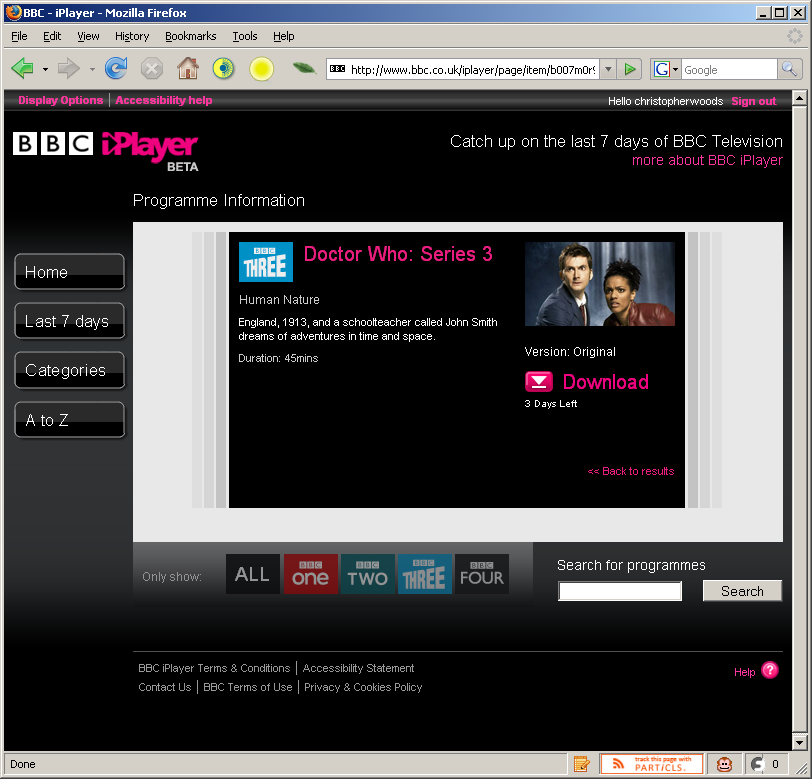
When you click on a specific programme, you are presented with a brief synopsis of the programme, how long you have left to download the show and details of what version the programme is (for some programmes there’s a regular version, a version which is signed and/or a programme which is signed on-screen, and you can choose the version you wish to download from a dropdown list).
The iPlayer entry for the "Human Nature" Doctor Who episode
The site’s not perfect - there’s problems with content appearing on the site but which users are unable to download (error messages being displayed), some content not appearing at all, and some content being incorrectly encoded (incorrect aspect ratios, etc) - but what do you expect, this is a trial! The feedback from the iPlayer team on the messageboards is very promising, and feedback is usually addressed within hours, days at the most - they also occasionally send out emails concerning platform updates or major bugfixes, so they’re obviously taking a proactive approach (something very nice to see).

The example to the left shows the Display Options preferences for the web site with the default stylesheet - it’s simple to select another stylesheet and any changes you make are reflected in the realtime preview, so thumbs up to the BBC for that.
In contrast to the Sky Anytime and 4OD implementations of Kontiki’s download manager, the licenses are (from what I can tell) acquired at the same time as the actual video file, expediting the process of watching the content. Contrary to how I thought the iPlayer license acquisition works, the individual content licenses are obtained when the media file is played for the first time. For some reason, I thought the license might be downloaded alongside the media file (because I once received a license acquisition error at download time when the iPlayer service was having a 'hiccup'), but nope, license acquisition is definitely when the file is first played, bringing it in line with other Kontiki-based "on-demand" offerings from other UK broadcasters. Interesting that WMP doesn't show a popup informing the user of license acquisition (which my WMP is configured to), nor does it prompt for a username and password, implying that the Kontiki player passes along authentication variables when the file is first played. Thanks to my friend Jonathan for the hat-tip.
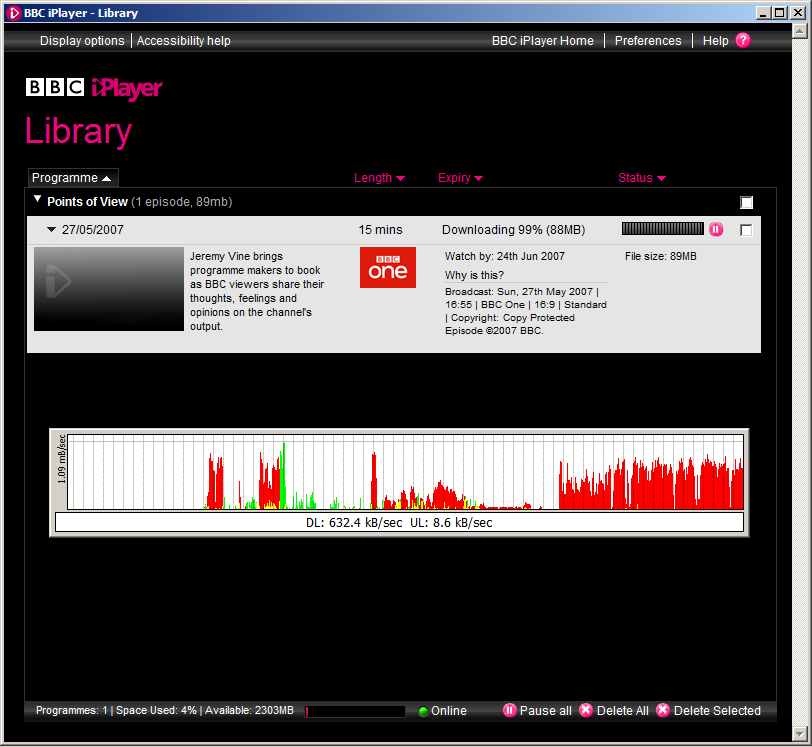
The iPlayer application downloads from both the BBC’s servers and other peers with the same video files, but - as you can see from the above screenshot - files zip along, maxing out just about any fast connection. My connection at the time of that download was a 10Mb ADSL2+ connection, courtesy of Be* Unlimited (theoretically they can provide up to 24Mb, and some users get that or in that region speed-wise... But, as always, if your BT line is awful quality, you’ll only get as good as the weakest link, something Be* have no control over). I’m currently switching to Virgin Media (nee Telewest) for their 20Mb broadband package, so I expect download speeds to top 2 megabytes per second as soon as we get switched over. I’ll certainly post any updates if things are drastically different.
There’s several steps - and timeframes - for content acquisition:
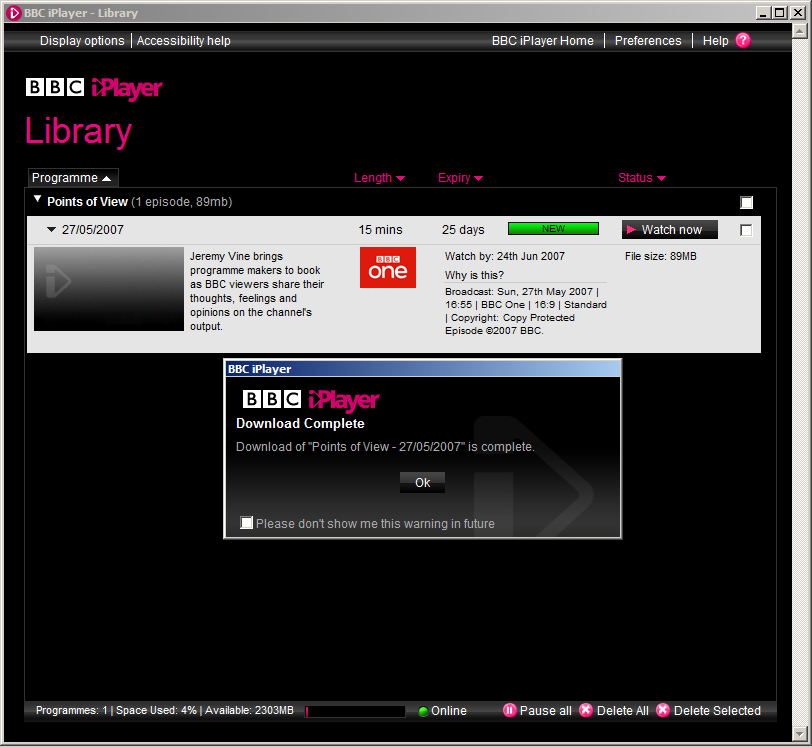
- After content is posted to the site, you have 7 days to download it.
- Once you download the content, you have 30 days in which to view the content.
- Once you have viewed the content for the first time after downloading it, you have 7 more days in which to watch the content to your satisfaction before it’s automatically deleted from your iPlayer library. You have no control over this, as it’s restriction of the (much-debated, but unfortunately - for the moment - necessary) DRM on all files.
Content itself is encoded in the Windows Media format, as it’s currently one of the only formats (and certainly one of the only mass-used formats, thanks to Windows Media Player) which supports the kind of time-limited DRM the various rights holders require of the BBC. I’m sure that eventually this will change eventually, but the question is where the next solution, which satisfies all requirements for platform agnosticism, will come from! The BBC is obligated by its remit to provide value in its efforts for as many people as possible, and there are many heated discussions about DRM and platform neutrality - in venues like the BBC Backstage mailing list, for example - so I’m unsure as to how long the current situation and implementation will last, given that it doesn’t support Mac users, is a bit patchy on Vista (the download manager has to be run in XP emulation mode), and only supports certain versions of Windows Media Player.
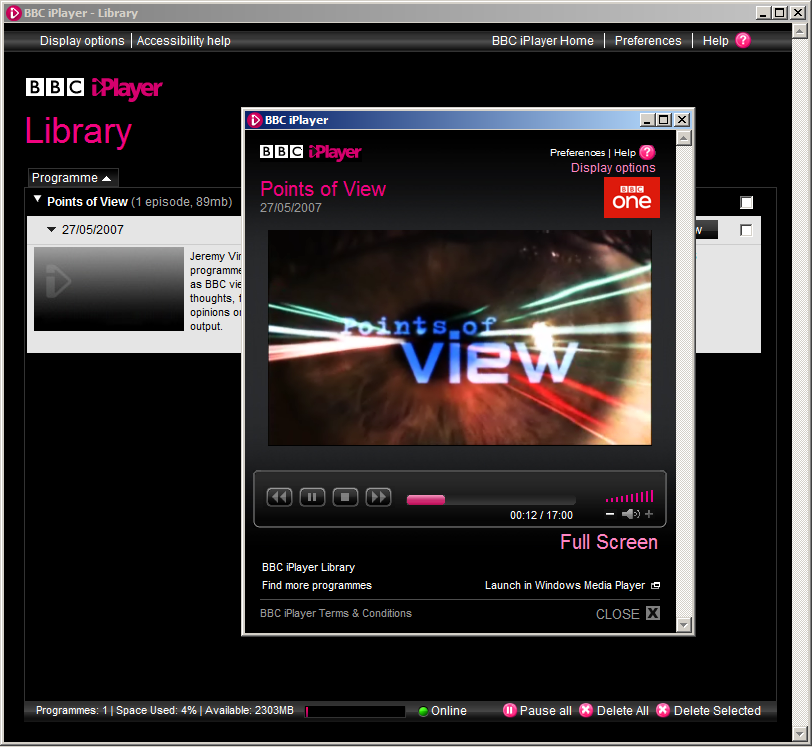
You can view content you’ve downloaded in two ways - via the iPlayer library interface, or directly in Windows Media Player (only on the same machine, currently, though plans for syncing to supported mobile devices is in the pipeline, apparently). The quality of the video files isn’t top notch, and it’s something I’ve whinged about on the iPlayer forums, but again I’m hopeful that as the encoding process is refined and the BBC improve their storage capacity for new content, the bitrate and resolution of the video files will improve.
Watching the videos fullscreen is perfectly doable, but you can still tell it’s a downloaded file (as is evident from this 1:1 portion of a screenshot of the above video file when played back fullscreen):
Jeremy Vine presenting Points of View... Great programme, awful intro music!

The files do come in at respectable filesizes, and I guess there’s already been a lot of wrangling over the quality-versus-filesize issue at the BBC before they even started pushing content out. I hope that they improve the quality though - the bitrate is only ~921kbps (of which the video is ~800kbps and audio makes up the rest)... Which isn’t good enough in my opinion given that by its very nature, the peer-to-peer framework upon which the iPlayer is built is designed to cope with larger files. My hope is that we eventually get several megabit, "DVD-quality" video files, especially as more people watch TV on their PCs (and in my case, am already watching HD content on my PC!)
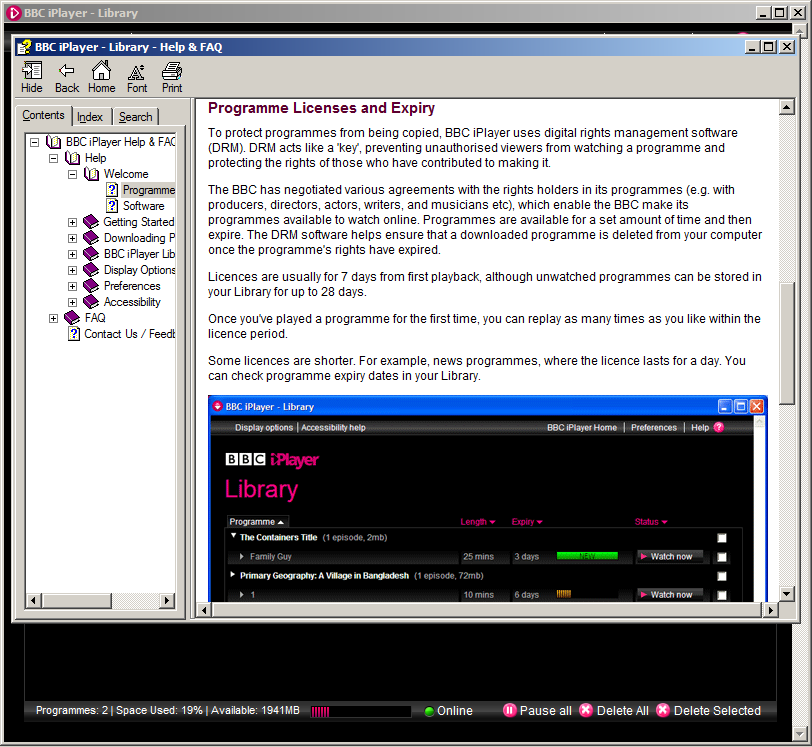
As a final plus point, the iPlayer software comes with a comprehensive offline help file - something too many application developers regretfully omit in this day and age!
The iPlayer help file entry explaining the necessity for DRM
All in all, I’m very impressed with the iPlayer platform, especially considering it’s still very much in beta. Sure, there’s problems (including files which are never actually available to download, entire days’ worth of content which has to be withheld from publishing because of encoding problems, occasional authentication problems, etc)... But these problems are being resolved and further improvements are being made, and I look forward to helping improve the application along with the other testers before it’s finally made available for all license-payers to use and enjoy.
If anybody has any questions, leave them as a comment on this entry and I’ll endeavour to answer them to the best of my abilities. I have no ETA as to when the iPlayer is being made public (probably because it has to officially pass its public value test first), but I can’t imagine it’ll be too soon given that ITV is rolling out streaming of its shows via the web site and both Sky and Channel 4 are increasing their online presence in similar manners. The BBC also has an Archive trial which begins soon... Keep your eyes peeled for that!
Well, it didn't take long (I didn't think it would). Within two hours, a protocol handler exploit (including proof-of-concept) was posted up on the web, and then a handful of security researchers published the results of their own delving (mainly involving a stupid amount of fuzz testing to try and find weak points in the code). They turned out a fair few, less than I thought would actually be discovered (being the eternal cynic), but obviously WinSafari is still less than two days' old in the wild so I suppose there's more to come.
"It took all of two hours for researchers to find 6 bugs in the Windows version of Safari, 4 DoS attacks and 2 remote code execution bugs."
(via Wired Compiler)
Aside from the bugs in my initial impressions writeup, here's what's been found:
- The 0day exploit (found in two hours) by Thor Larholm (more info and PoC on his site);
- 4 Denial of Service attacks and 2 remote code execution attacks (found by David Maynor (yes, he of Apple WiFi hack) with free tools and a bit of elbow grease... more info);
And to top it off: - Many of the exploits also run on the OSX version of Safari, due to the shared codebase... Nice!
"It's clearly fast. Very fast. Like, noticeably fast, loading a half dozen sites (that take IE7 or FF2 a few seconds) within a blink of an eye. If nothing else, they've set the performance bar higher."
(via Hanselman.com)
... And you know what? I'm inclined to agree with him on this one. Obviously the rendering engine is a fast one, and as it's built on the open-standards WebKit framework with a bit of luck some other enterprising souls will come along and build a nicer-looking browser on top of the codebase, which would be perfect.
What holds me back from using Safari is... Well... I guess for one thing, it's the problem of it being an Apple-designed program for me. The forced Apple-style interface (ugh), the stupid layout and obvious skimming-over of standard Windows design (hello? top-left chrome menu?) and ignoring of design standards for the shortcuts, browser window design, missing features... Not being able to resize the window from anywhere except the bottom-left corner (where did the usability go?)
For me it's the little things with Apple's design conventions, and they all add up into a really frustrating experience for me. If Apple fix the bugs, standardise Safari's interface to match that of other Windows apps, maybe make it skinnable and retract their slightly pompous "Apple engineers designed Safari to be secure from day one" statement, I might consider using Safari on my laptop alongside Firefox, IE(6) and Opera.
Might.
I'm as big a big fan of HD content as the next geek, and I've found (as have many others) that on my PCs, along with AC3Filter and the Haali Media Splitter running the show for my decoding, CoreAVC is the most effective and efficient video codec for H.264/AVC content. However, in the CoreCodec discussion forums there's been lots of discussion about delays and widespread reports of bugs in the new version (1.3.0.0), including lack of playback once it's installed, incompatibility with Vista, and the inability to roll back to 1.2 once 1.3 has been installed - even if it's uninstalled.
The CoreCodec site, which has an online portal system for those who have purchased the codec (including personalised download links for the installers) is also in a state of hiatus, with all purchasing facilities suspended until the new versions of their most popular software - Coreplayer Mobile (formerly TCPMP, which I still use on my Vario 2) and CoreAVC - are bugfixed and compiled.
The CoreCodec developers have also commented several times on their forums that once the bugs are sorted out, 1.3.0.1 will be made available for purchase and everything will return back to normal, but the delays are increasing and feedback from the developers is less than forthcoming.
It's a shame, because CoreAVC is a really cracking codec - its performance on less-than-brand new systems is noticeably superior when put up against its main competitors, and all the processing is done in software as well - and I hate to see this small bit of bad press affect it. I have every hope that CoreAVC 1.3.0.1 will be released soon, as the developers promise. When it does I will be suggesting to the developers that they keep a closer eye on their (if small, but very active and vocal) community residing on their forums and on other forums like Doom9 so as to revise their code and fix problems much sooner. They are usually pretty good when it comes to fixing problems for next release, and their community acknowledges this, but equally this whole issue could also well be ascribed to taking a product out of beta a little too soon.
Conversely, Google loves its 'beta' tag, and applies it to just about everything (I'm still a little amazed that Google Search still isn't labeled as beta, as they're continually adding new features) - it raises an interesting question, too: given the possibility for keeping a product in continuous beta status, and releasing updates thick and fast as problems occur, is that a better practice for developers than to work a long time on fixing every problem they can foresee, releasing it to the masses then firefighting when a bunch of users come along with a new, unforeseen problem? The latter is what appears to have affected CoreCodec's product, but the former situation (thinking of Google again) also has the side-effect of devaluing the 'beta' status, and, in effect, merging together the beta and RTM levels of development until both terms have little relevance to their original meanings.
Maybe it's time for developers to rethink their usage of beta as a terminology for defining "it works, but it's not properly finished yet... But what the hell everyone, just use it anyway and don't bitch if it breaks on you", because it also - to me anyway - devalues the usefulness of effective Quality Control testing by a controlled group of testers. Every good product (should) have QC and QA performed on it at every major developmental stage, and usability tests to boot, otherwise you end up with a product which has been designed engineers without a thought paid to how regular users are going to use it.
The software which runs on 90% of the UK's checkout EFTPOS terminals (tills to you and me) is a prime example of software developed by developers without it ever having even a once-over from a usability engineer. That's possibly the most important stage of a software's beta cycle, and it's being neglected in this increasing trend of Web 2.0 "unfinishedness".
In fact, I think the beta tag should be dropped from many of the programs that use it, and replaced with a term like "almost" - that'd encourage developers to get it finished and out the door in a properly working state much faster than they do currently. Tagging something 'beta' almost encourages slower development, which isn't always good - last time I did something like that, I ended up spending weeks and weeks on it and continually losing my train of thought, which slowed down development as a whole and meant that I also lost some good ideas which I'd had but not started to work on.
Beta's not always a good thing to call something. Maybe beta-with-next-stage-deadline would be more appropriate for the majority of live, in-development projects I see on the web these days...