Martin Belam has introduced a new UK news site aggregator to the masses, under the moniker of Chipwrapper. It sources fresh articles from all the major broadsheet and tabloid newspapers, plus a smattering of ITN, BBC and Sky articles (because he thought it would be "weird" to not see these contributors in his aggregated content) but there's no content featured external to British publications.
If you've never been to a British fish 'n chip shop, here's a brief introduction to the historical significance of the name "Chipwrapper": takeaway fish 'n chips have traditionally been wrapped in newspaper (it tends to be a good insulator and it's cheap, and it's one of those comforting familiarities) - a chip shop which doesn't wrap your stuff in yesterday's newspaper is either snobbishly upmarket or very popular because they've run out of sheets! I think it's quite an apt name.
Anyway, here's Martin introduced his project to the Backstage mailing list:
Hi all, I wanted to introduce... a site I've been working on, and invite you to have a play with the feeds being produced, and maybe help make some new tools for it.
Called Chipwrapper, it is intended to be a hub for searching purely UK newspapers and UK news sources.
OK, I know, I know, the Chipwrapper metaphor doesn't work once you add TV news. Originally it was strictly newspapers only, but it just seemed weird to be searching UK news and not see links from the BBC, ITN and Sky.
The homepage is a headline aggregator and a Google Custom Search Engine which only brings back results from the major UK newspapers, plus the TV news giants.
I plan to add regional and local newspapers to the results later in the year.
There are Opensearch plugins and a custom Google Toolbar button for the service.
http://www.chipwrapper.co.uk/tools/browser_search_plugins.shtml
http://www.chipwrapper.co.uk/tools/google_toolbar_buttons.shtml
There are also some RSS feeds for news headlines, sport headlines and football headlines - with some rugby-flavoured stuff to come to tie-in with the upcoming world cup.
http://www.chipwrapper.co.uk/tools/rss_feeds.shtml
There's also a Headline Buzz feature. It uses a longer Yahoo! Pipe which takes ten headlines for each source - http://pipes.yahoo.com/pipes/pipe.run?_id=QKDz_ihT3BGSheQho_NLYQ&_render=rss
- and then analyses the most popular words.
The top 7 words (at the moment) appear on the Chipwrapper homepage as the Headline Buzz links, but there is also a headline buzz RSS feed.
This has all of the words (minus "stop" words like 'the', 'of' etc) that appear more than 3 times in the set of headlines in popularity order. It refreshes every hour.
http://feeds.feedburner.com/chipwrapper-buzz
There's a page on the site about making DIY stuff, with links to all the feeds and the original Yahoo! Pipes I've used to mash-up the newspaper content in one place.
http://www.chipwrapper.co.uk/tools/make_stuff.shtml
Personally, I think this is great for those of us who enjoy reading around but don't like relying solely on Google News (or trusting it, for that matter) to deliver an impartial spread of national and international news. Really, all that's missing is a 'myChipwrapper' feature where you can choose your own pick of the newspapers for display - then I could eliminate all those awful tabloid newspaper articles and just have articles from the quality broadsheets. Nevertheless, it's a very useful little thing to have on your bookmarks, and I'll certainly use it again... Chipwrapper might just grow on me.
'Michael Arrington' has moved into the world ofNew Media Foodstuffs with the launch of CrunchFood:
CrunchFood is the newest addition to the “Crunch” family founded by Michael Arrington, which includes TechCrunch, CrunchNotes, CrunchGear, TalkCrunch and MobileCrunch. A departure from our Web 2.0 themes, but a subject still near and dear to the hearts of geeks — food.
For those of you who haven't quite caught on yet, this is a clever fake - but if you're familiar with his writing style then you'll appreciate the nerdy humour. Some of the comments are absolute class, too.
Ok, so I've been both using and following the iPlayer for a while, and now I thought I'd voice my opinions about it for the 'benefit' of those who might have some misconceptions or negative opinions about it.
You can either stream or download the MP3 from its respective Odeo page, enjoy.
powered by ODEO
I've also got some lovely little reviews of a couple of very nice sites coming soon, too, stay tuned for those. :)
... I can't wait to give it a spin and see how it compares! Update (29/08/2007): I've had my Fontenna for about a fortnight and I've put it through its paces, doing a writeup at the moment. :) I guess there's advantages to being a Fonero and a long-time Fon user; I got my La Fonera for gratis (I managed to invite myself and get a free unit! so it wasn't quite one of those 'press review units', haha) but the promo code arriving in my inbox to get a Fontenna for just €2 (plus delivery) was definitely something I couldn't ignore!
If you're a keen geek, you'll most likely have already read the (badly) translated Engadget China review of their own Fontenna, but, you know, it's always nicer to have a natively-written English version. Other excuses for doing my own review? Manufacturing tolerances, different signal transmission capabilities of EU-licensed kit versus Chinese kit (which is probably only FCC-approved instead of both FCC- and CE-approved, if there's different models) plus subtle design differences... The wall wart has different pins on it...
Mine'll have nicer pictures.
Ok, off to bed for me - working nightshifts at the moment, 10pm-7am weeknights. They're horrible things - but oh well, needs must! I'm a student therefore my bank balance is in constant need of replenishment, and we students'll do almost anything for a bit of cash!
If you're one of the many non-US customers who used to enjoy streaming music from Pandora who were subsequently barred from using the service, give Soundpedia a go.
A more comprehensive Soundpedia review can be found on TechCrunch...
Apologies for the problems with the images in a few of my posts on here (including the iPlayer review), they're hosted on an external server and it's having a bit of a fit right now. My provider knows about it and is "actively looking into resolving it" (which I suppose means they're thinking about doing something as opposed to actually doing something... Sigh. Time for a cuppa!)
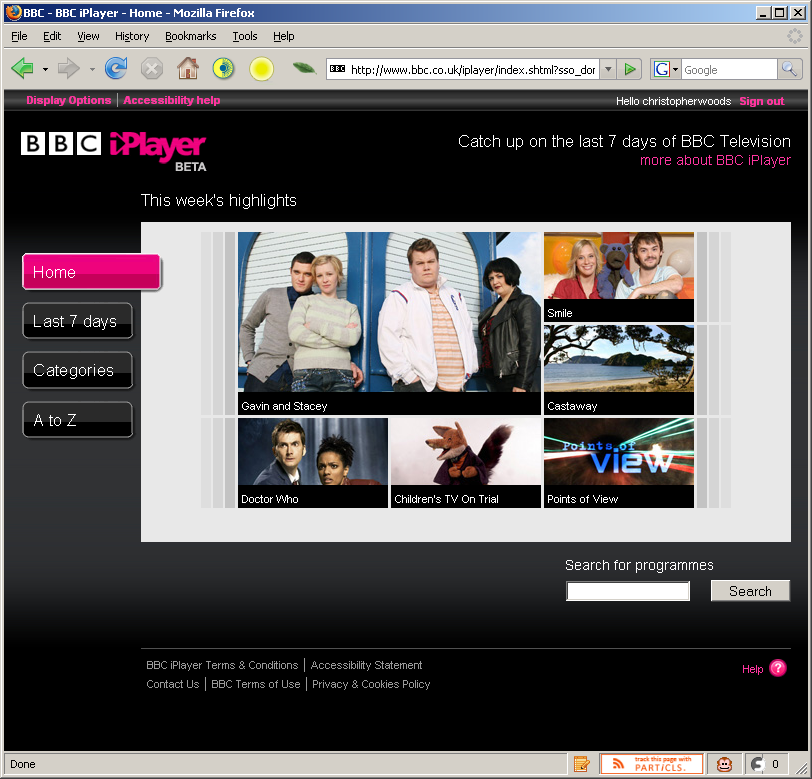
The BBC first started its trials of its nascent iPlayer service quite a while ago; unfortunately I wasn’t lucky enough to register my interest for the first trial, and so didn’t get onto the list of testers, so I have no knowledge of the first incarnation (and hopefully you’ll forgive me if I don’t make any comparisons between the first and second versions). However, I was quick enough off the mark this time round to register my interest and get accepted onto the trial, so here we are!
The iPlayer system is currently operating as a closed, ’walled garden’ system, with an extra layer of authentication on top of the regular BBC username system, and all beta testers allocated their own login for this walled garden area. The forums are similarly walled off at the moment during the trial, but are a part of the wider BBC messageboards network (my existing BBC login works fine).
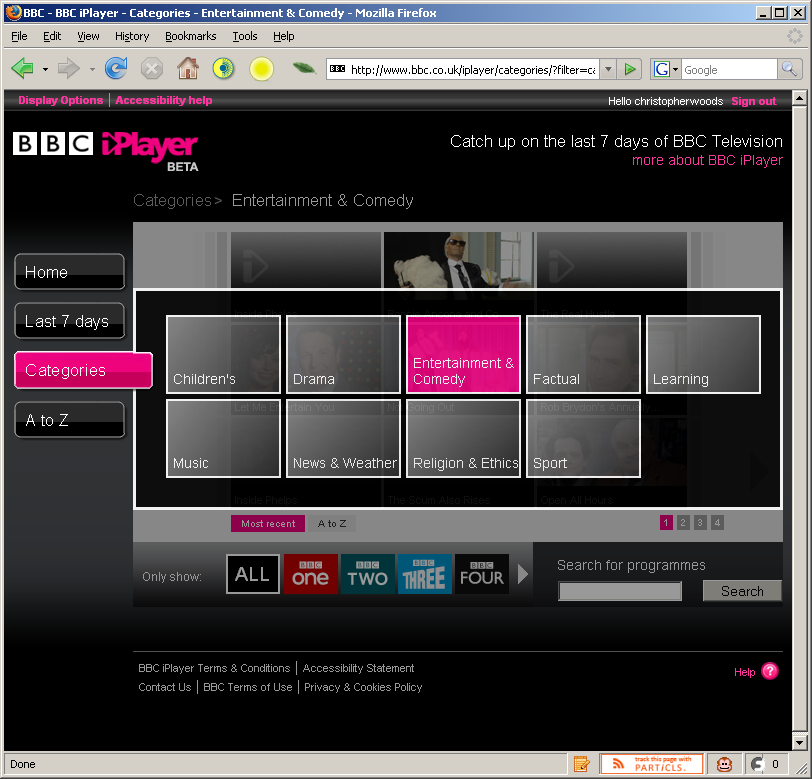
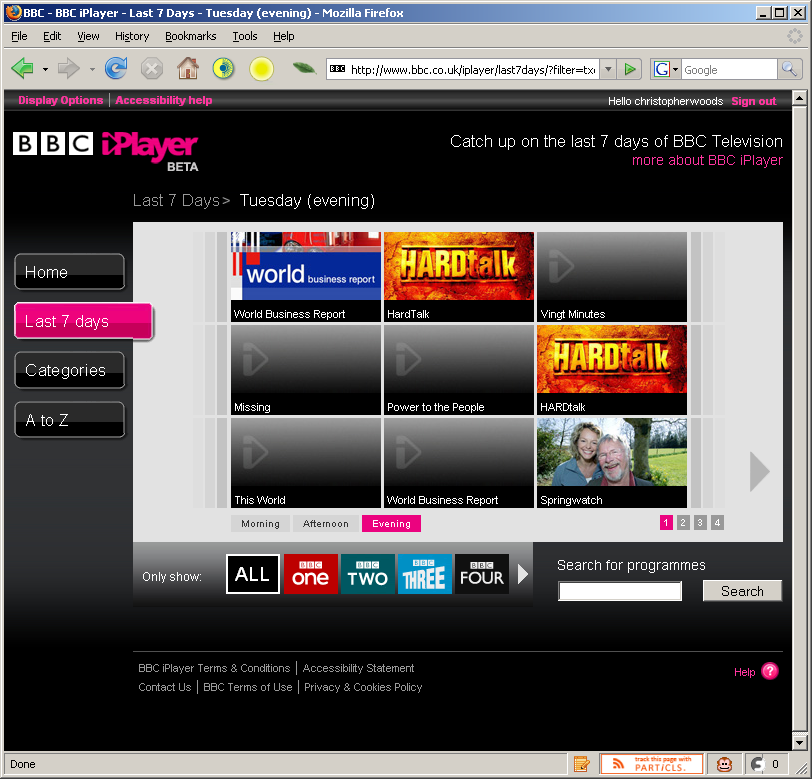
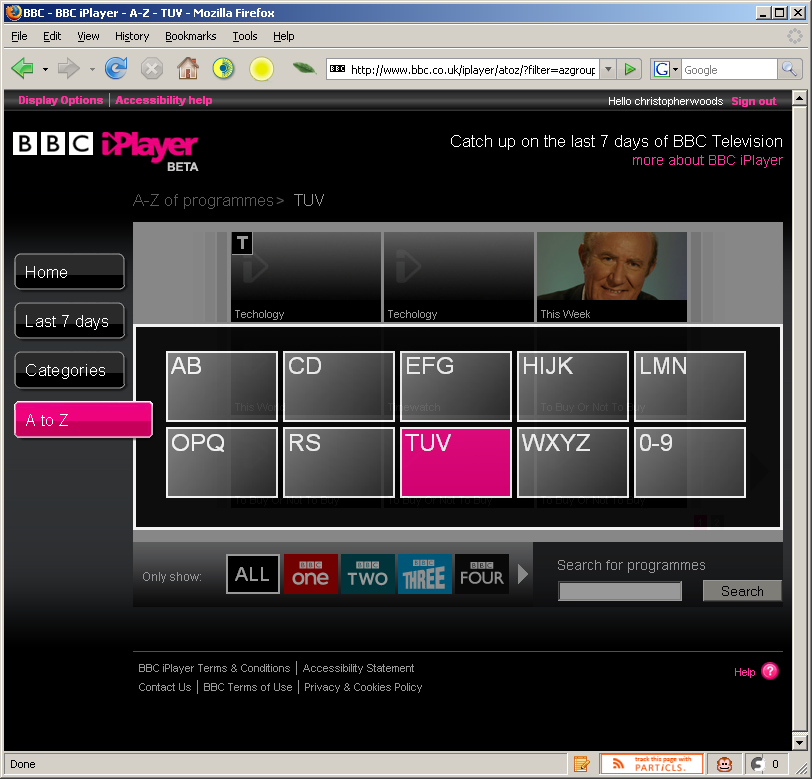
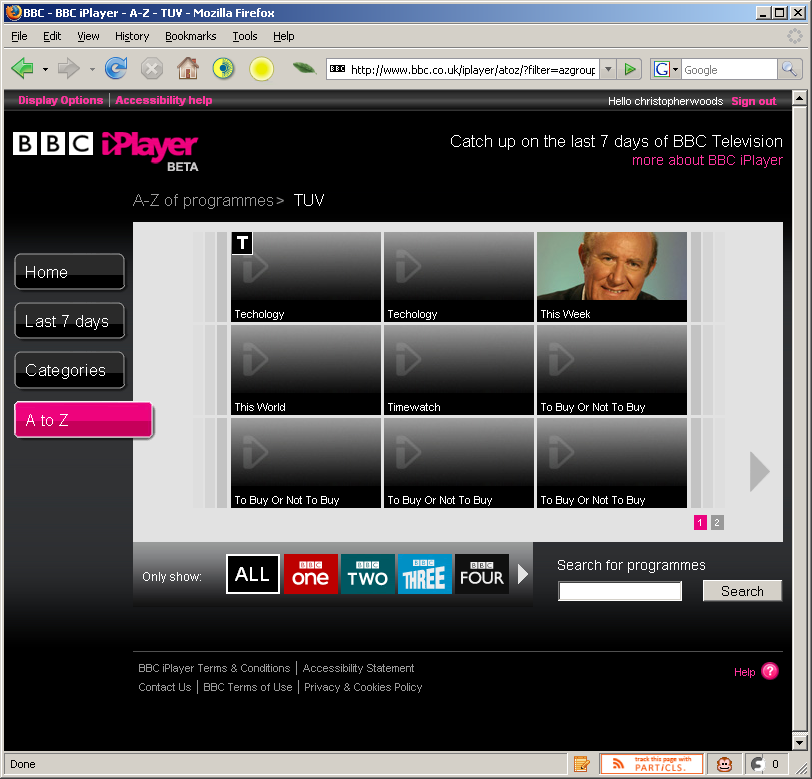
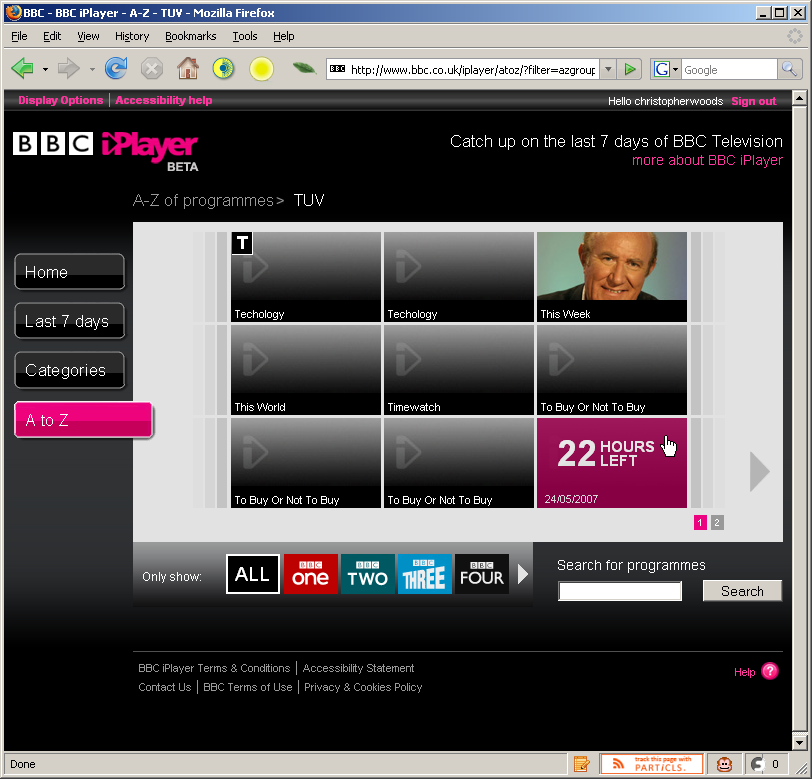
The system works in two parts - a desktop application and web site. The first, a customised Kontiki client - named the BBC iPlayer Library - stores and manages your downloaded programmes, as well as arranging the DRM license authentication for the content you download. The second part, the BBC iPlayer website itself (bbc.co.uk/iplayer) is where you choose what programming you want to download. The web site has a series of menus - organised by programme category, by day (7 days in total from today back to last week) and also alphabetically. Due to compatibility issues with the Kontiki Javascript libraries, you have to use Internet Explorer to actually choose and download content to your iPlayer library. I used Firefox for some of the screenshots as you don't need to use IE just to view the site (so apologies if you get confused by that).
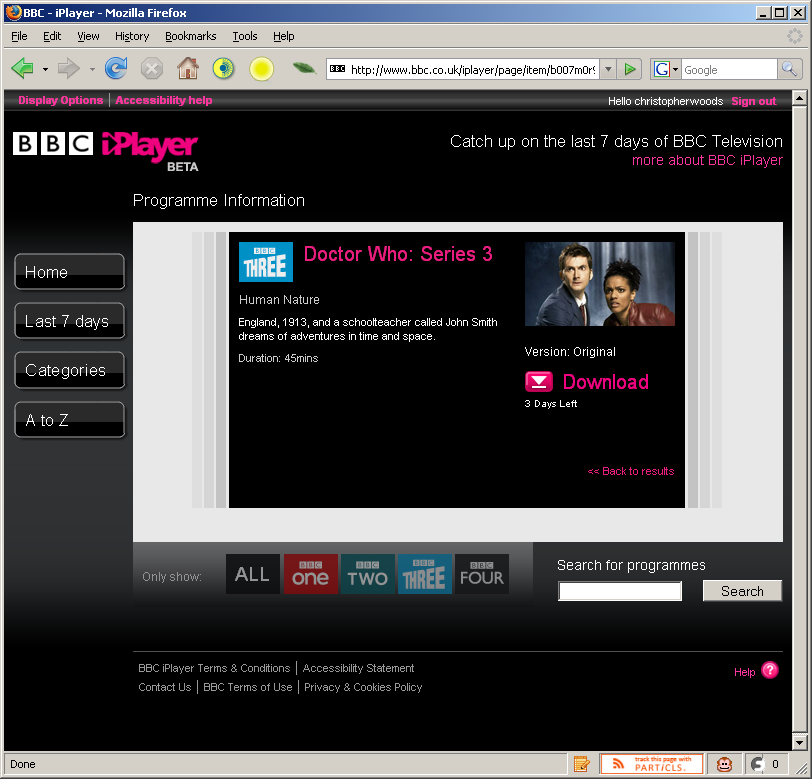
When you click on a specific programme, you are presented with a brief synopsis of the programme, how long you have left to download the show and details of what version the programme is (for some programmes there’s a regular version, a version which is signed and/or a programme which is signed on-screen, and you can choose the version you wish to download from a dropdown list).
The iPlayer entry for the "Human Nature" Doctor Who episode
The site’s not perfect - there’s problems with content appearing on the site but which users are unable to download (error messages being displayed), some content not appearing at all, and some content being incorrectly encoded (incorrect aspect ratios, etc) - but what do you expect, this is a trial! The feedback from the iPlayer team on the messageboards is very promising, and feedback is usually addressed within hours, days at the most - they also occasionally send out emails concerning platform updates or major bugfixes, so they’re obviously taking a proactive approach (something very nice to see).

The example to the left shows the Display Options preferences for the web site with the default stylesheet - it’s simple to select another stylesheet and any changes you make are reflected in the realtime preview, so thumbs up to the BBC for that.
In contrast to the Sky Anytime and 4OD implementations of Kontiki’s download manager, the licenses are (from what I can tell) acquired at the same time as the actual video file, expediting the process of watching the content. Contrary to how I thought the iPlayer license acquisition works, the individual content licenses are obtained when the media file is played for the first time. For some reason, I thought the license might be downloaded alongside the media file (because I once received a license acquisition error at download time when the iPlayer service was having a 'hiccup'), but nope, license acquisition is definitely when the file is first played, bringing it in line with other Kontiki-based "on-demand" offerings from other UK broadcasters. Interesting that WMP doesn't show a popup informing the user of license acquisition (which my WMP is configured to), nor does it prompt for a username and password, implying that the Kontiki player passes along authentication variables when the file is first played. Thanks to my friend Jonathan for the hat-tip.
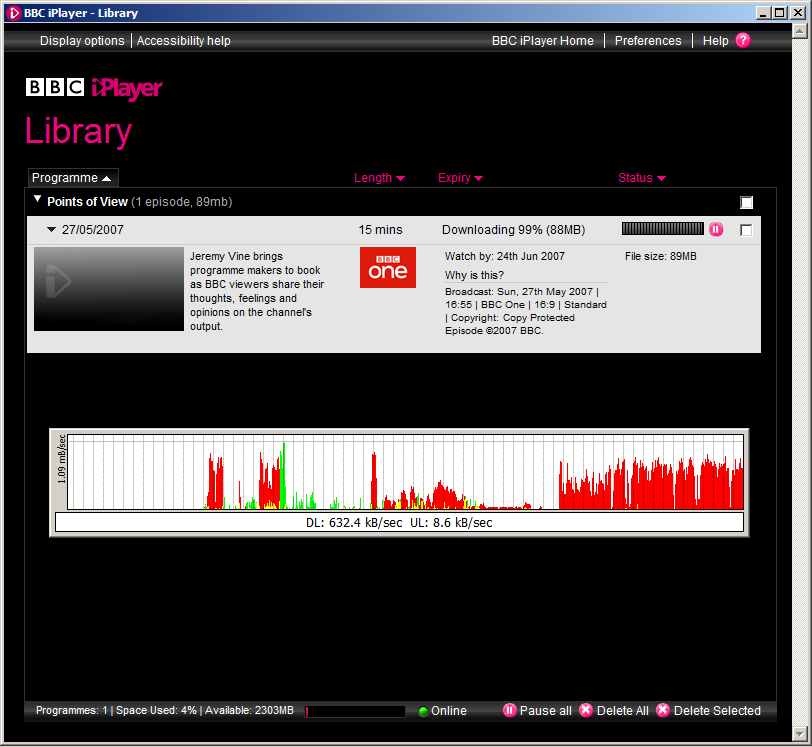
The iPlayer application downloads from both the BBC’s servers and other peers with the same video files, but - as you can see from the above screenshot - files zip along, maxing out just about any fast connection. My connection at the time of that download was a 10Mb ADSL2+ connection, courtesy of Be* Unlimited (theoretically they can provide up to 24Mb, and some users get that or in that region speed-wise... But, as always, if your BT line is awful quality, you’ll only get as good as the weakest link, something Be* have no control over). I’m currently switching to Virgin Media (nee Telewest) for their 20Mb broadband package, so I expect download speeds to top 2 megabytes per second as soon as we get switched over. I’ll certainly post any updates if things are drastically different.
There’s several steps - and timeframes - for content acquisition:
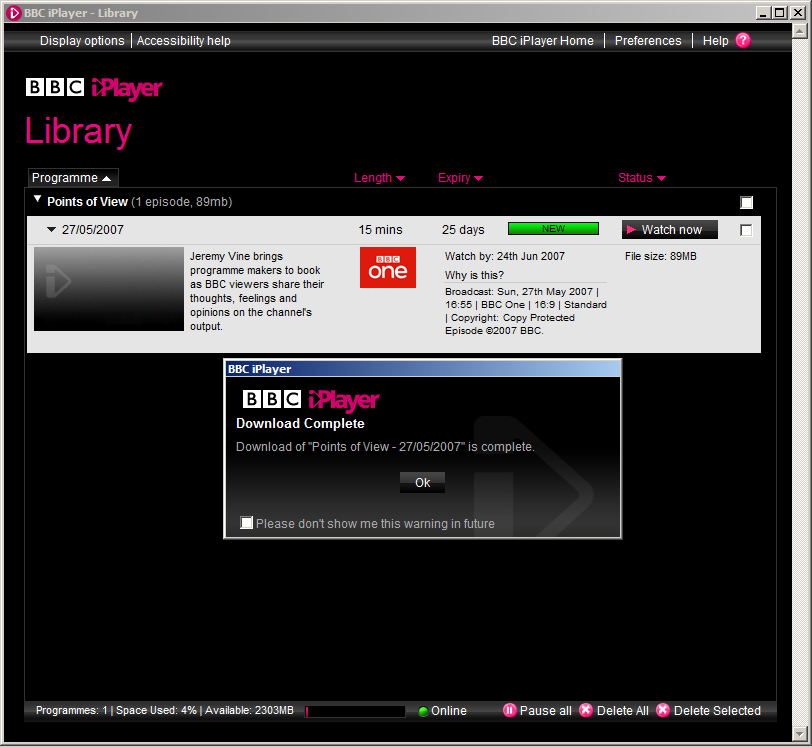
- After content is posted to the site, you have 7 days to download it.
- Once you download the content, you have 30 days in which to view the content.
- Once you have viewed the content for the first time after downloading it, you have 7 more days in which to watch the content to your satisfaction before it’s automatically deleted from your iPlayer library. You have no control over this, as it’s restriction of the (much-debated, but unfortunately - for the moment - necessary) DRM on all files.
Content itself is encoded in the Windows Media format, as it’s currently one of the only formats (and certainly one of the only mass-used formats, thanks to Windows Media Player) which supports the kind of time-limited DRM the various rights holders require of the BBC. I’m sure that eventually this will change eventually, but the question is where the next solution, which satisfies all requirements for platform agnosticism, will come from! The BBC is obligated by its remit to provide value in its efforts for as many people as possible, and there are many heated discussions about DRM and platform neutrality - in venues like the BBC Backstage mailing list, for example - so I’m unsure as to how long the current situation and implementation will last, given that it doesn’t support Mac users, is a bit patchy on Vista (the download manager has to be run in XP emulation mode), and only supports certain versions of Windows Media Player.
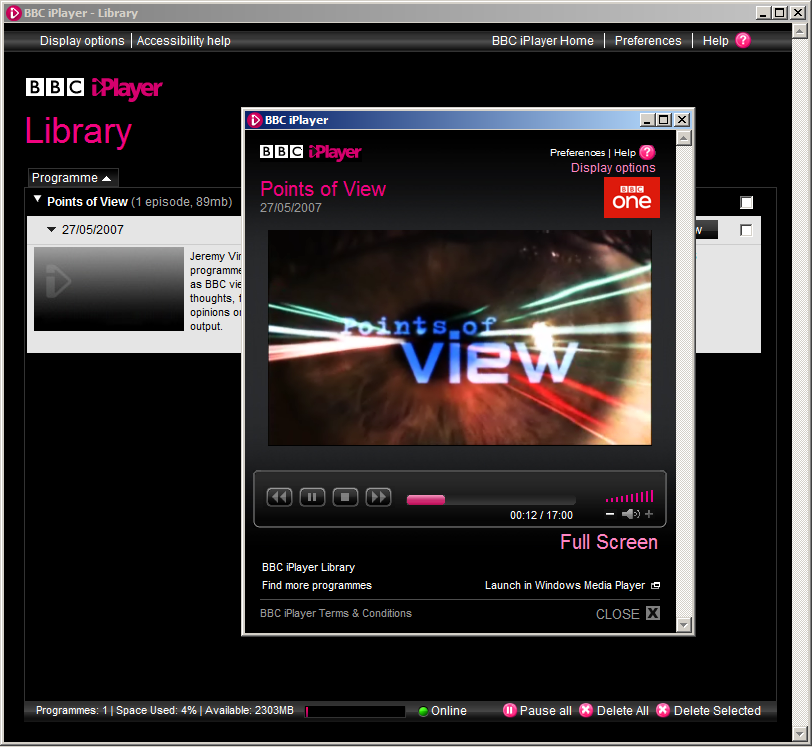
You can view content you’ve downloaded in two ways - via the iPlayer library interface, or directly in Windows Media Player (only on the same machine, currently, though plans for syncing to supported mobile devices is in the pipeline, apparently). The quality of the video files isn’t top notch, and it’s something I’ve whinged about on the iPlayer forums, but again I’m hopeful that as the encoding process is refined and the BBC improve their storage capacity for new content, the bitrate and resolution of the video files will improve.
Watching the videos fullscreen is perfectly doable, but you can still tell it’s a downloaded file (as is evident from this 1:1 portion of a screenshot of the above video file when played back fullscreen):
Jeremy Vine presenting Points of View... Great programme, awful intro music!

The files do come in at respectable filesizes, and I guess there’s already been a lot of wrangling over the quality-versus-filesize issue at the BBC before they even started pushing content out. I hope that they improve the quality though - the bitrate is only ~921kbps (of which the video is ~800kbps and audio makes up the rest)... Which isn’t good enough in my opinion given that by its very nature, the peer-to-peer framework upon which the iPlayer is built is designed to cope with larger files. My hope is that we eventually get several megabit, "DVD-quality" video files, especially as more people watch TV on their PCs (and in my case, am already watching HD content on my PC!)
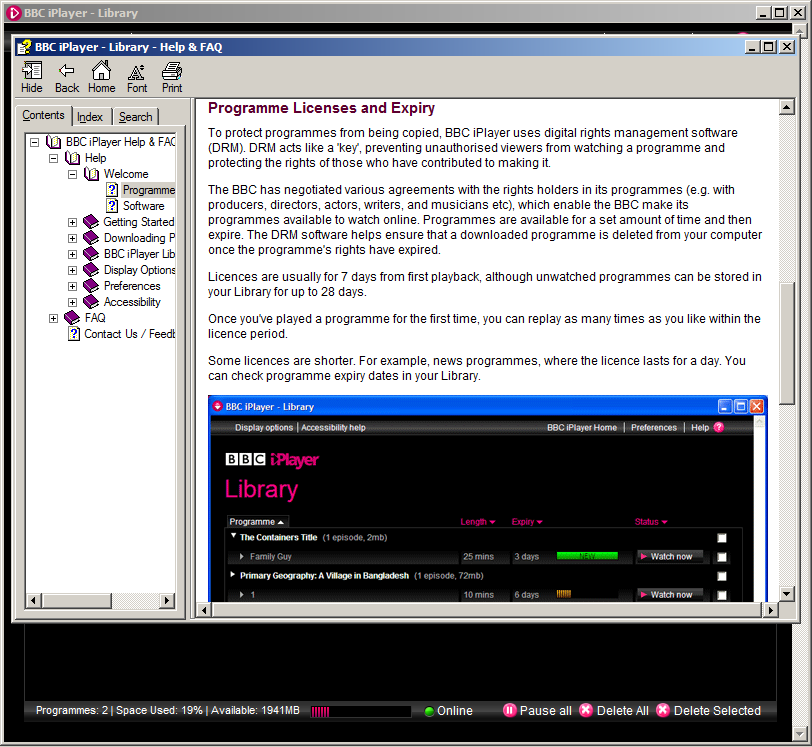
As a final plus point, the iPlayer software comes with a comprehensive offline help file - something too many application developers regretfully omit in this day and age!
The iPlayer help file entry explaining the necessity for DRM
All in all, I’m very impressed with the iPlayer platform, especially considering it’s still very much in beta. Sure, there’s problems (including files which are never actually available to download, entire days’ worth of content which has to be withheld from publishing because of encoding problems, occasional authentication problems, etc)... But these problems are being resolved and further improvements are being made, and I look forward to helping improve the application along with the other testers before it’s finally made available for all license-payers to use and enjoy.
If anybody has any questions, leave them as a comment on this entry and I’ll endeavour to answer them to the best of my abilities. I have no ETA as to when the iPlayer is being made public (probably because it has to officially pass its public value test first), but I can’t imagine it’ll be too soon given that ITV is rolling out streaming of its shows via the web site and both Sky and Channel 4 are increasing their online presence in similar manners. The BBC also has an Archive trial which begins soon... Keep your eyes peeled for that!